Phones become cameras
Any phone, webcam, screen, or mic joins from a plain browser over your WiFi — no App Store, no IPA, no APK, no capture card. Just open a URL and tap Join.
WebRTC · WHIP · zero installA full multi-camera control room that runs on a laptop and the phones already in the room. Here's the whole toolkit.
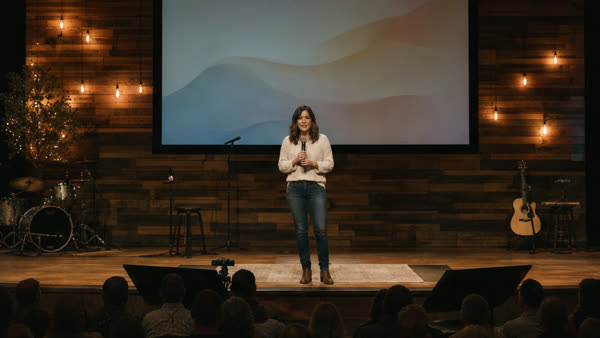 CAM 1
CAM 1  CAM 2
CAM 2  CAM 3
CAM 3  CAM 4
CAM 4  CAM 5
CAM 5 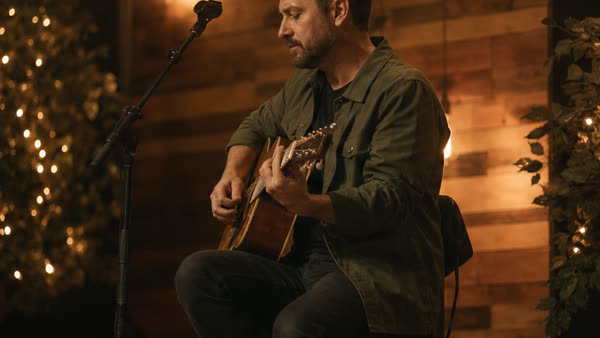 CAM 6
CAM 6 Any phone, webcam, screen, or mic joins from a plain browser over your WiFi — no App Store, no IPA, no APK, no capture card. Just open a URL and tap Join.
WebRTC · WHIP · zero installFront or back camera, or pick an external mic. A full-screen viewfinder with an on-screen REC light, a battery readout, a rotate-to-landscape nudge, and a screen wake-lock so a phone never sleeps mid-shoot.
battery · wake-lock · REC lightEvery angle is recorded at the exact quality the device sent — no re-encoding, near-zero CPU on the laptop.
H.264 · Opus · fMP4Watch every feed at once over WHEP. Arm → preview → record, with a synchronized start across all sources.
synced startPhones drop and rejoin without losing their camera slot, the dashboard and devices auto-reconnect, late-joining angles start recording on their own, and a session auto-finalizes if everyone leaves. Brief WiFi blips just heal.
auto-reconnect · grace stop · self-healingPress 1–9 — or click a tile — to mark the program take while you record. The switch log captures every cut with its timestamp, ready for the post edit.
switches.jsonScrub the switched program edit right in the browser — take markers, hover thumbnails, crossfades, and per-section mic routing — then export once it looks right. No waiting on a render to review.
scrub · markers · live mixRender the program edit to a single finished MP4: hard cuts or crossfades, per-section audio routing, hardware-accelerated.
NVENC · QuickSync · AMFRecorded on a slow laptop? Bundle a whole session — every angle, the switch log, and mic audio — into one file and import it on a faster computer to preview and export there.
bundle · import · offlineBrowse every session and raw clip from the dashboard: play in place, download per angle, grab the switch log, filter by camera, and delete what you don't need.
browse · play · downloadUSB or wireless lavaliers join as audio-only. Link a mic to a camera and monitor it in-browser before you record.
listen · mix · replaceCamera, screen share, or audio-only — every device chooses its own role at join time.
camera · screen · micMove to any venue WiFi: the studio re-detects its LAN IP and re-issues the TLS certificate for it automatically. The local CA never changes, so phones you trusted once stay trusted — no re-distributing certificates.
auto IP · cert re-issueNo cloud, no account, no telemetry. The control service and media stay on the network you control.
127.0.0.1 · no internetSet 4–12 Mbps globally or per camera. Changes apply live — devices adjust mid-session with no reconnect.
adaptiveOne tap confirms every camera is live, H.264, has audio, and the disk is writable before you commit to record.
go / no-goShow a QR on the laptop; a phone scans it to open a guided one-time setup that installs the local certificate with steps tailored to iOS or Android. After that, open the URL and tap Join.
QR · guided trustA Windows installer with a tray launcher and a friendly studio.localhost URL. macOS & Linux on the way.
tray · single-exeRead it, fork it, build it from source. Nothing to subscribe to, ever.
MIT licensed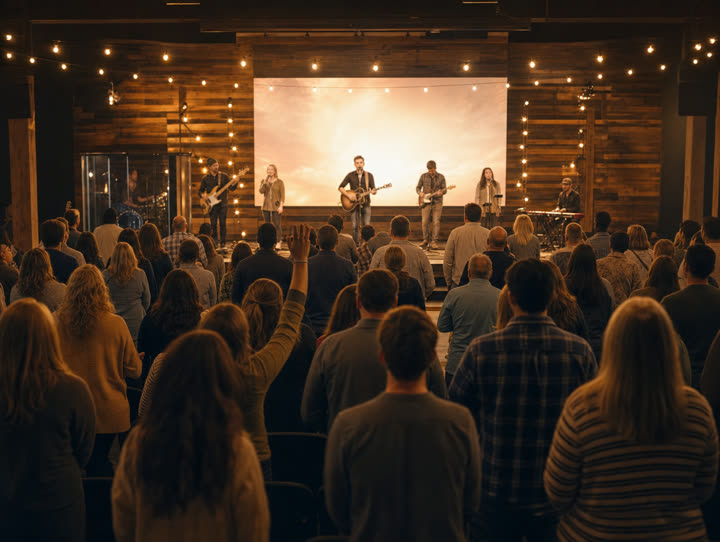 Church services
  Conferences
  Theater & school plays
 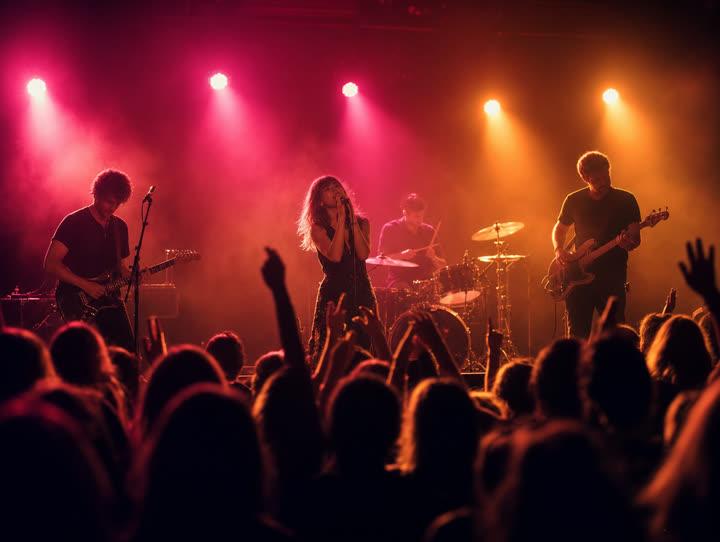 Live music
 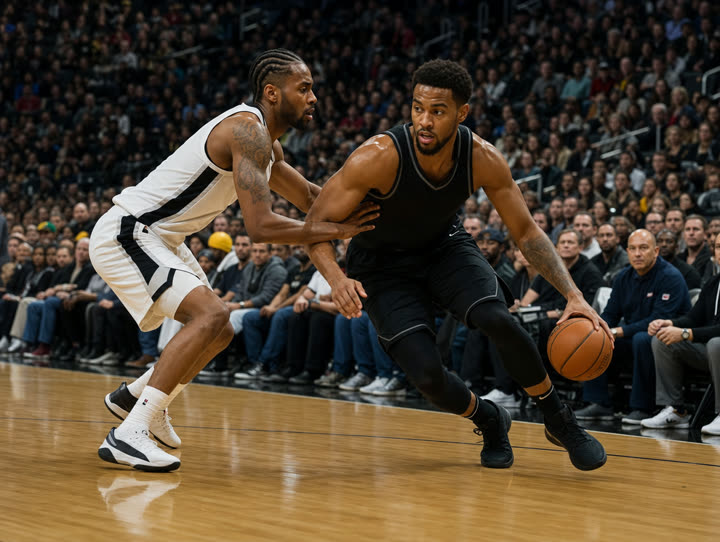 Sports
  Panel discussions
 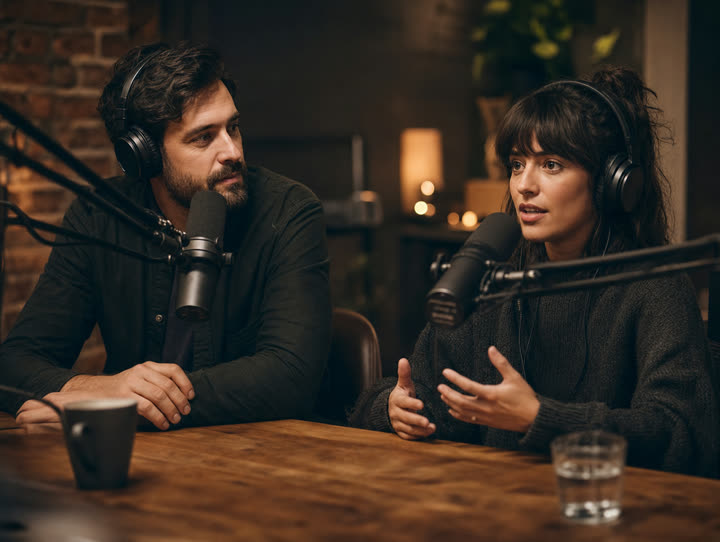 Podcasts
  Interviews
 Free, open source, MIT licensed. Download the Windows installer or build it from source. No account, no telemetry, nothing to subscribe to.
Latest release v0.1.9 · Free · Windows 10/11